Certificates for hundreds of attendees, ready in 5 minutes
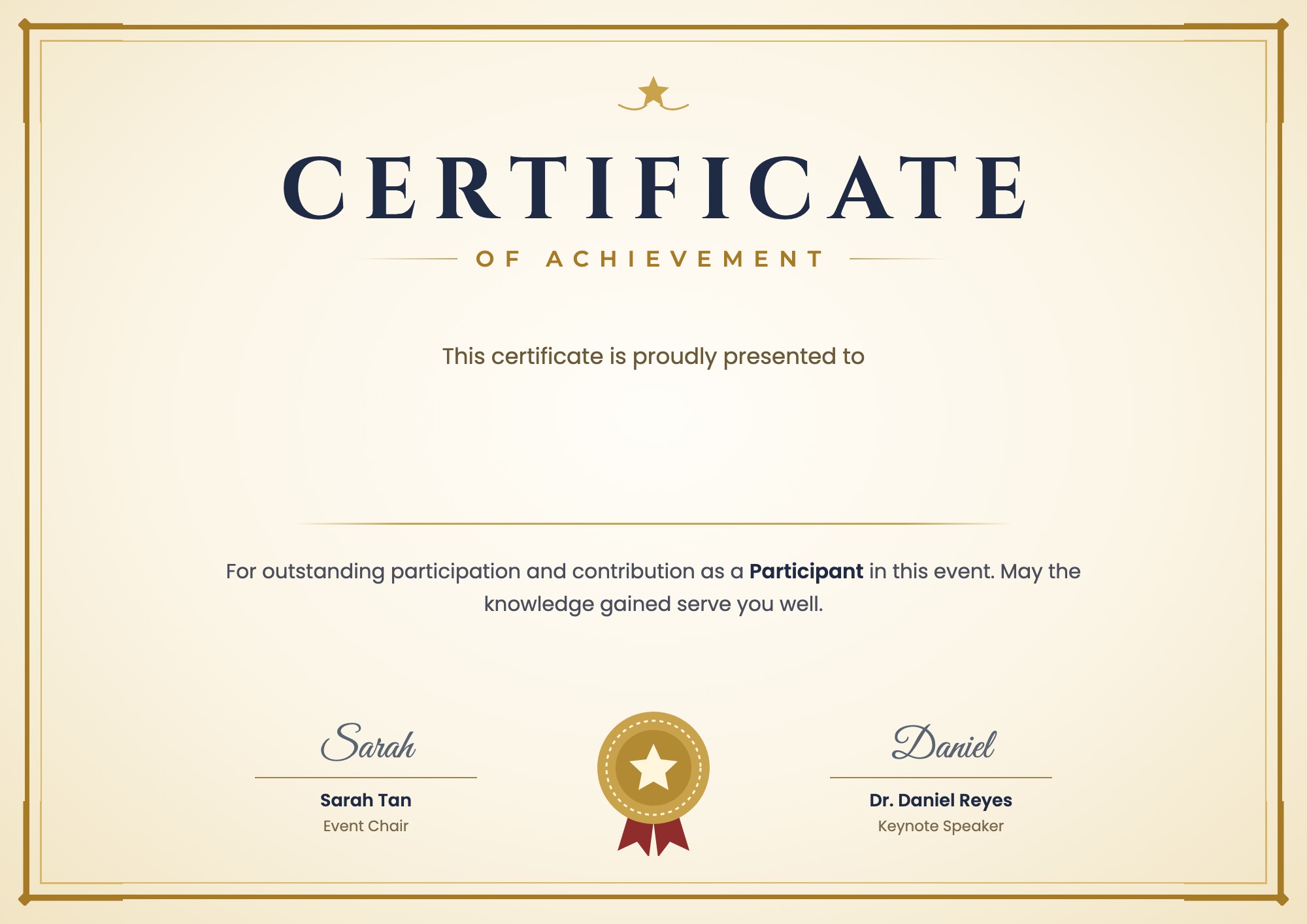
Upload your certificate design from Canva, place the name, then share one link in your group chat. Each attendee types their own name and gets a PDF. Every certificate has a QR code anyone can scan to check it's real.
- Free for up to 30 attendees per event
- No credit card needed
- Pay per event, no subscription
 Nguyễn Minh Anh
Attendee claim page
The event is over, but the certificates still aren't out?
For 300 attendees, doing it by hand can take a whole evening. Then someone writes in because their name is misspelled.
Doing it by hand
- Typing every name into Canva
- Uploading hundreds of files to a shared drive
- Attendees dig for their own file and see everyone else's name
- A typo means editing and sending it again
- Anyone with a photo editor can fake one
With Sertifin
- One design, every name filled in for you
- One link for all attendees
- Each attendee sees only their own certificate
- Misspelled name? Fix it in the dashboard and the PDF follows
- A QR code on every certificate to prove it's genuine
Three steps you can finish before the event ends
Set it up during the Q&A, then share the link in your closing remarks.
- Step 1
Upload your design
A PNG or JPG from Canva. Leave the name area empty.
- Step 2
Place the name
Drag the name box into place and pick a font and color. Certificate numbers and the QR code are one switch away.
- Step 3
Share the link
Post it in your group chat or show the QR code on screen. Attendees claim from their phones.
The features organizers actually use
A short menu. It covers the jobs that usually eat your evening after an event.
Drag & drop editor
Keep your Canva design. Drag the name into place and pick a font and color. Long names shrink so they stay inside the lines.
One claim link
Attendees open the link, enter their name and email, and the PDF downloads. You don't email anyone.
Attendance code
Announce a code at the end of the event. People who left early can't claim.
Attendee list
Paste from Google Forms or Sheets. Limit claims to registered emails so names match the sign-up data.
QR verification & LinkedIn
Each certificate has a unique number and a verification page. Employers and universities can check it, and attendees can add it to LinkedIn.
Names in any script
Attendees from Vietnam, Thailand, Cambodia, Myanmar, India or China? Their names print correctly. Download the attendee report as CSV.
Priced for event budgets
Start free. Pay only for the events with a big crowd, for about the price of coffee for your committee.
Free
For trying it out and small events.
$0forever
- 30 certificates per event
- Every feature, including the verification QR
- A small "Made with Sertifin" label
Event Pass
For a single webinar or seminar.
$5one-time, per event
- Up to 500 certificates
- No watermark
- Attendance code & attendee list
- CSV report download
Pro
For training providers, event agencies and teams that run events often.
$15per 30 days
- Unlimited events
- Up to 5,000 certificates per event
- No watermark on any event
- Priority support
Checkout by Paddle: cards, PayPal and more, with taxes handled. One-time payments, nothing renews automatically.
In Indonesia? Pay in rupiah (Rp49,000 / Rp149,000) with QRIS, e-wallets or bank transfer.
Frequently asked questions
Do attendees need an account?+
No. They open the link, enter their name and email, and download the PDF. It works on a phone.
Can I use a design from Canva?+
Yes. Design the certificate as usual, leave the name area empty, download it as PNG or JPG and upload it to Sertifin. Then drag the name into place.
What if a name is misspelled?+
Fix it in the dashboard. The PDF is generated fresh on every download, so the certificate and its verification page are corrected right away. Nothing needs to be resent.
How do I stop no-shows from claiming?+
Turn on an attendance code and announce it at the end of the event. You can also limit claims to emails on your attendee list.
What is the verification QR code for?+
It opens a verification page showing the attendee's name, the event and the organizer, so employers and universities can confirm the certificate is genuine and unedited.
Will non-Latin names print correctly?+
Yes. Names in Vietnamese, Thai, Lao, Khmer, Burmese, Tamil and Chinese are set in a matching Noto font, both in the PDF and in the preview.
How do I pay? Does anything renew?+
Checkout is handled by Paddle, our merchant of record, with cards, PayPal and more. In Indonesia you pay in rupiah via Midtrans. The Event Pass is paid once per event. Pro lasts 30 days and never renews on its own.
What does the free plan include?+
Every feature, up to 30 certificates per event, with a small "Made with Sertifin" label. Upgrade and the label disappears, including from certificates already issued.
Next event, the certificates are done before people head home.
Sign up free, upload your design and share your first link today.
Try it free